IDEAS
DESIGN
TECHNOLOGY
PEOPLE
MOTION
FOR A
BRIGHTER WEB
Rotating Portal Button
שער מסתובב
GSAP
Backgrounds
ZAKAI · MOTION LAB
סיבוב קטן. עולם שלם בפנים.
כפתור שמגלה לאן הוא עומד לקחת אותך.
עברו עם העכבר להצצה · לחצו כדי להיכנס.
זה העולם שמאחורי הכפתור.
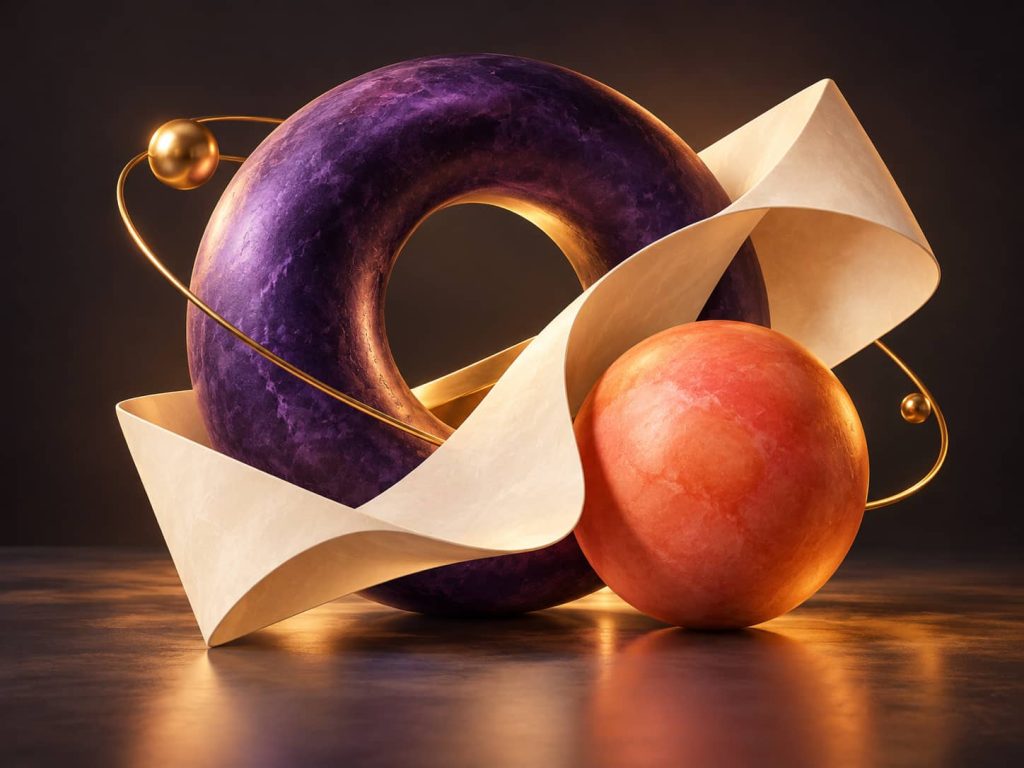
צורה וצבע
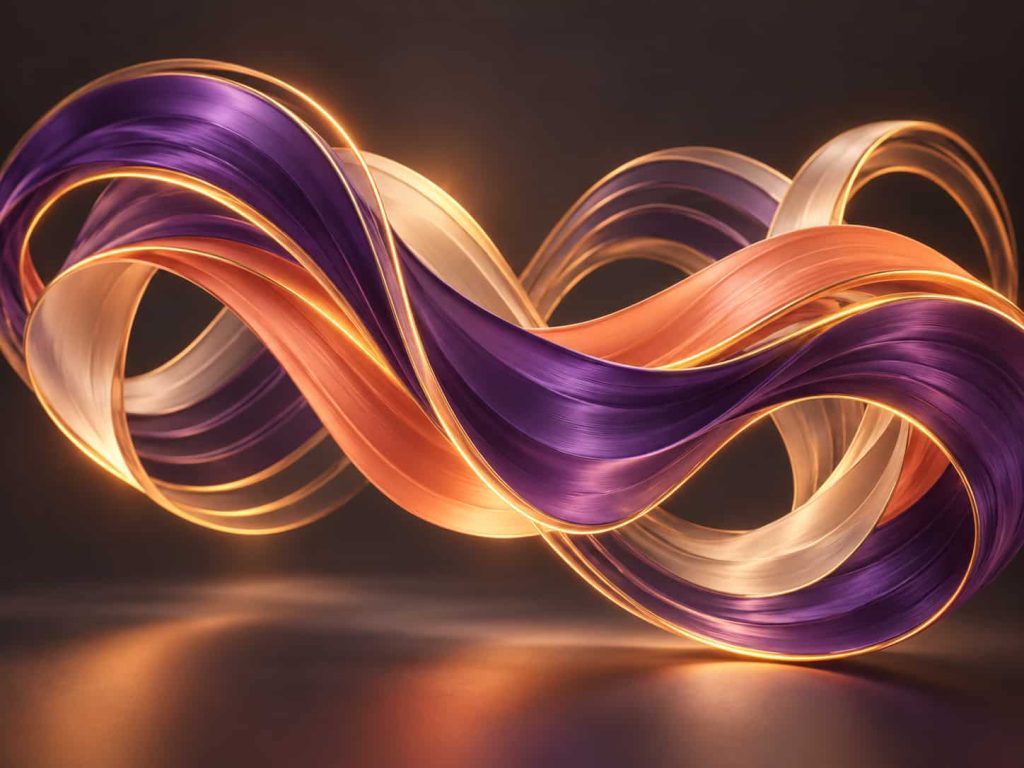
קצב ותנועה
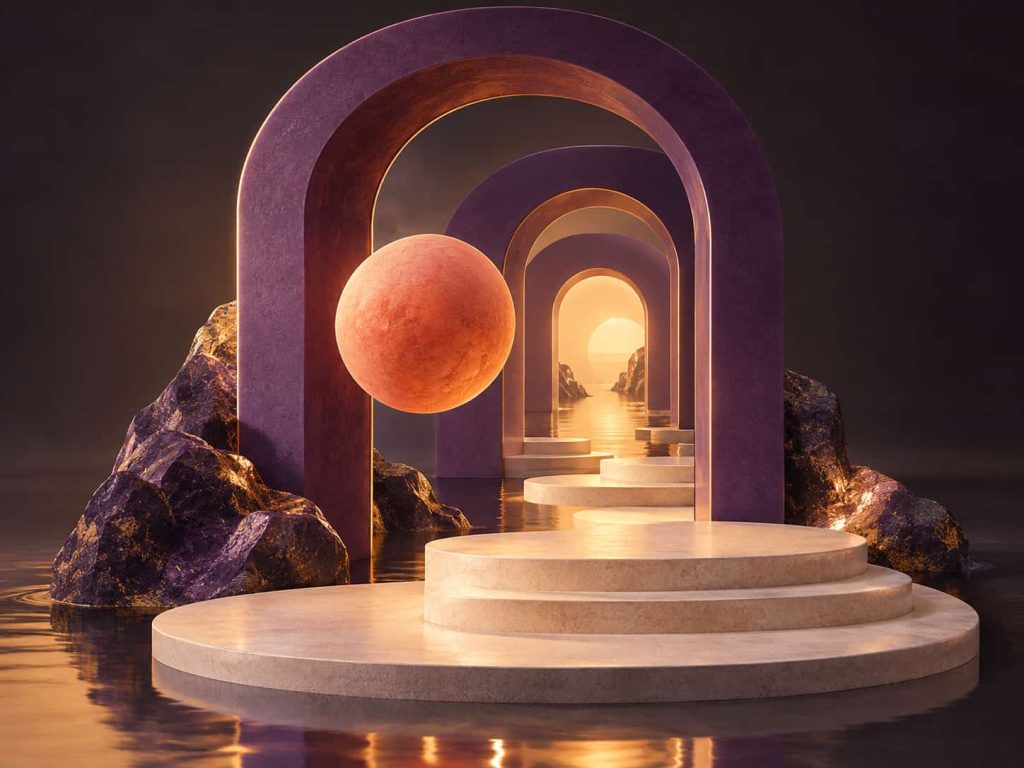
עומק ומשחק
					<script>
(() => {
  "use strict";

  document.documentElement.classList.add("zrp-enhanced");

  function init() {
    document.querySelectorAll(".zrp-button-widget .elementor-button")
      .forEach((button, index) => {
        if (button.dataset.zrpInit === "true") return;
        button.dataset.zrpInit = "true";

        const href = button.getAttribute("href") || "";
        let target = null;

        try {
          if (href.startsWith("#") && href.length > 1) {
            target = document.getElementById(
              decodeURIComponent(href.slice(1))
            );
          }
        } catch (_) {}

        if (target) {
          button.setAttribute("aria-controls", target.id);
          button.setAttribute(
            "aria-expanded",
            target.classList.contains("zrp-revealed") ? "true" : "false"
          );
        }

        if (!button.querySelector(".zrp-ring")) {
          const pathId =
            "zrp-circle-" + Date.now().toString(36) + "-" + index;

          const decoration = document.createElement("span");
          decoration.setAttribute("aria-hidden", "true");

          decoration.innerHTML = `
            <svg class="zrp-ring" viewBox="0 0 250 250"
              xmlns="http://www.w3.org/2000/svg">
              <defs>
                <path id="${pathId}"
                  d="M125 125 m-99 0 a99 99 0 1 1 198 0 a99 99 0 1 1 -198 0"/>
              </defs>

              <circle class="zrp-orbit" cx="125" cy="125" r="116"/>

              <text>
                <textPath href="#${pathId}" startOffset="0%"
                  textLength="295" lengthAdjust="spacing">
                  EXPLORE · CREATE · DISCOVER ·
                </textPath>
              </text>

              <text>
                <textPath href="#${pathId}" startOffset="50%"
                  textLength="295" lengthAdjust="spacing">
                  EXPLORE · CREATE · DISCOVER ·
                </textPath>
              </text>

              <circle class="zrp-spark" cx="125" cy="9" r="3"/>
            </svg>

            <span class="zrp-center">
              <span class="zrp-world"></span>
              <span class="zrp-door zrp-door-left"></span>
              <span class="zrp-door zrp-door-right"></span>

              <span class="zrp-arrow">
                <svg viewBox="0 0 48 48"
                  xmlns="http://www.w3.org/2000/svg">
                  <path d="M24 7V39M12 27L24 39L36 27"/>
                </svg>
              </span>
            </span>
          `;

          button.appendChild(decoration);
        }

        button.classList.add("zrp-ready");

        const ring = button.querySelector(".zrp-ring");
        const reduced = matchMedia("(prefers-reduced-motion: reduce)");
        const hover = matchMedia("(hover: hover) and (pointer: fine)");

        let angle = 0;
        let speed = 12;
        let previous = null;
        let frame = 0;
        let entered = false;
        let focused = false;
        let visible = true;

        function stop() {
          cancelAnimationFrame(frame);
          frame = 0;
          previous = null;
        }

        function animate(now) {
          frame = 0;

          if (reduced.matches || !visible || document.hidden) return;

          const dt = previous === null
            ? 0
            : Math.min(50, now - previous);

          previous = now;

          const targetSpeed = button.matches(
            ".zrp-peek, .zrp-opened"
          ) ? 0 : 12;

          speed += (targetSpeed - speed) *
            (1 - Math.exp(-dt / 170));

          angle = (angle + speed * dt / 1000) % 360;
          ring.style.transform = `rotate(${angle}deg)`;

          if (targetSpeed === 0 && speed < .02) {
            speed = 0;
            previous = null;
            return;
          }

          frame = requestAnimationFrame(animate);
        }

        function resume() {
          if (!frame && !reduced.matches && visible && !document.hidden) {
            previous = null;
            frame = requestAnimationFrame(animate);
          }
        }

        function update() {
          button.classList.toggle("zrp-peek", entered || focused);
          resume();
        }

        button.addEventListener("pointerenter", event => {
          if (hover.matches && event.pointerType === "mouse") {
            entered = true;
            update();
          }
        });

        button.addEventListener("pointerleave", () => {
          entered = false;
          update();
        });

        button.addEventListener("focus", () => {
          focused = button.matches(":focus-visible");
          update();
        });

        button.addEventListener("blur", () => {
          focused = false;
          update();
        });

        let switching = false;

        button.addEventListener("click", async event => {
          if (
            !target ||
            event.button !== 0 ||
            event.ctrlKey || event.metaKey ||
            event.shiftKey || event.altKey
          ) return;

          event.preventDefault();

          /* בעכבר ובמגע: רק העיגול המרכזי מפעיל את הכניסה.
             מקלדת וטכנולוגיה מסייעת יכולות להפעיל את הכפתור. */
          if (event.detail !== 0) {
            const center = button.querySelector(".zrp-center");
            const rect = center.getBoundingClientRect();

            const dx =
              (event.clientX - rect.left - rect.width / 2) /
              (rect.width / 2);

            const dy =
              (event.clientY - rect.top - rect.height / 2) /
              (rect.height / 2);

            if (dx * dx + dy * dy > 1) return;
          }

          if (switching) return;
          switching = true;

          const intro = button.closest(".zrp-intro");
          const stage = intro?.parentElement;

          /* שומרים על גובה המעטפת כדי למנוע קפיצה במעבר. */
          if (stage && stage.contains(target)) {
            stage.style.minHeight =
              stage.getBoundingClientRect().height + "px";
          }

          button.classList.add("zrp-opened");
          button.setAttribute("aria-expanded", "true");
          resume();

          /* יציאה עדינה של אזור השער */
          if (
            intro &&
            !reduced.matches &&
            typeof intro.animate === "function"
          ) {
            try {
              await intro.animate(
                [{ opacity: 1 }, { opacity: 0 }],
                { duration: 240, easing: "ease-out" }
              ).finished;
            } catch (_) {}
          }

          /* החלפת השער בגלריה */
          if (intro) intro.hidden = true;
          target.classList.add("zrp-revealed");
          stop();

          /* העברת המיקוד בלי לגלול */
          const heading = target.querySelector("h1,h2,h3") || target;

          if (!heading.hasAttribute("tabindex")) {
            heading.setAttribute("tabindex", "-1");
          }

          heading.focus({ preventScroll: true });

          /* כניסה עדינה של הגלריה */
          if (!reduced.matches && typeof target.animate === "function") {
            target.animate(
              [
                { opacity: 0, transform: "translateY(12px)" },
                { opacity: 1, transform: "translateY(0)" }
              ],
              {
                duration: 420,
                easing: "cubic-bezier(.2,.7,.2,1)"
              }
            );
          }
        });

        if ("IntersectionObserver" in window) {
          const observer = new IntersectionObserver(entries => {
            visible = entries[0].isIntersecting;

            if (!visible) {
              stop();
              entered = false;
              focused = false;
              button.classList.remove("zrp-opened", "zrp-peek");
            } else {
              resume();
            }
          });

          observer.observe(button);
        }

        document.addEventListener("visibilitychange", () => {
          document.hidden ? stop() : resume();
        });

        reduced.addEventListener("change", () => {
          stop();
          resume();
        });

        resume();
      });
  }

  if (document.readyState === "loading") {
    document.addEventListener("DOMContentLoaded", init, { once: true });
  } else {
    init();
  }

  if (window.jQuery) {
    jQuery(window).on("elementor/frontend/init", () => {
      window.elementorFrontend?.hooks?.addAction(
        "frontend/element_ready/button.default",
        init
      );
      init();
    });
  }
})();
</script>
					בחלק המתקדם בלשונית הסטייל:

/* אזור הפתיחה */
#portal-start.zrp-intro {
  position: relative;
  display: flex;
  flex-direction: column;
  align-items: center;
  justify-content: center;
  gap: 16px;
  padding: 48px 24px;
  overflow: hidden;
  border-radius: 20px;
  background:
    radial-gradient(
      ellipse at 50% 60%,
      rgba(71, 51, 36, .33),
      transparent 65%
    ),
    #141311;
  color: #fff4e3;
  text-align: center;
  direction: rtl;
}

#portal-start.zrp-intro > .e-con-inner {
  display: flex;
  flex-direction: column;
  align-items: center;
  justify-content: center;
  gap: 16px;
}

/* הטקסטים */
#portal-start :is(
  .zrp-kicker, .zrp-title, .zrp-subtitle, .zrp-hint
) {
  width: 100%;
  max-width: 760px;
  text-align: center;
}

#portal-start :is(
  .zrp-kicker, .zrp-title, .zrp-subtitle, .zrp-hint
) :is(h1, h2, h3, h4, h5, h6, p) {
  margin: 0;
}

#portal-start .zrp-kicker,
#portal-start .zrp-kicker :is(h4, p, span, code) {
  color: #f0ca83;
  font-size: 12px;
  font-weight: 400;
  line-height: 1.5;
  letter-spacing: 3px;
  background: transparent;
}

#portal-start .zrp-kicker code {
  padding: 0;
  border: 0;
  font-family: inherit;
}

#portal-start .zrp-title,
#portal-start .zrp-title :is(h1, h2, h3, p, span, strong) {
  color: #fff4e3;
  font-size: clamp(30px, 4vw, 48px);
  font-weight: 400;
  line-height: 1.25;
  letter-spacing: normal;
}

#portal-start .zrp-subtitle,
#portal-start .zrp-subtitle :is(p, span, strong) {
  color: #e0d3c1;
  font-size: 17px;
  font-weight: 400;
  line-height: 1.7;
}

#portal-start .zrp-hint,
#portal-start .zrp-hint :is(p, span, strong) {
  color: #f0ca83;
  font-size: 14px;
  font-weight: 400;
  line-height: 1.6;
}

/* כפתור Elementor */
#portal-start .zrp-button-widget {
  width: 100%;
  margin: 20px 0;
  text-align: center;
}

#portal-start .zrp-button-widget .elementor-button.zrp-ready {
  position: relative;
  display: inline-block;
  vertical-align: middle;
  box-sizing: border-box;
  width: 250px;
  height: 250px;
  padding: 0;
  border: 0;
  border-radius: 50%;
  background: transparent;
  color: #e4c18b;
  box-shadow: none;
  cursor: pointer;
  overflow: visible;
  transform: none;
  text-decoration: none;
  -webkit-tap-highlight-color: transparent;
}

#portal-start .zrp-button-widget
.elementor-button.zrp-ready:is(:hover, :focus) {
  background: transparent;
  color: #e4c18b;
  box-shadow: none;
  transform: none;
}

#portal-start .zrp-button-widget
.elementor-button.zrp-ready:focus-visible {
  outline: 2px solid #ffe0a5;
  outline-offset: 8px;
}

/* הטקסט המקורי נשאר נגיש לקוראי מסך */
#portal-start .zrp-ready .elementor-button-content-wrapper {
  position: absolute;
  width: 1px;
  height: 1px;
  padding: 0;
  margin: -1px;
  overflow: hidden;
  clip-path: inset(50%);
  white-space: nowrap;
}

/* הטבעת */
#portal-start .zrp-ready .zrp-ring {
  position: absolute;
  inset: 0;
  display: block;
  width: 100%;
  height: 100%;
  max-width: none;
  overflow: visible;
  pointer-events: none;
  transform-origin: 50% 50%;
}

#portal-start .zrp-ring text {
  fill: #f0ca83;
  font-family: Arial, sans-serif;
  font-size: 12px;
  font-weight: 400;
  letter-spacing: 2.5px;
  direction: ltr;
}

#portal-start .zrp-orbit {
  fill: none;
  stroke: #d6b47a;
  stroke-width: .6;
  opacity: .4;
}

#portal-start .zrp-spark {
  fill: #ffe4b6;
  filter: drop-shadow(0 0 5px #e9b960);
}

/* מרכז הכפתור */
#portal-start .zrp-center {
  position: absolute;
  inset: 48px;
  display: block;
  box-sizing: border-box;
  overflow: hidden;
  border: 1px solid rgba(214, 180, 122, .55);
  border-radius: 50%;
  pointer-events: none;
  box-shadow:
    0 0 0 8px rgba(223, 183, 118, .02),
    0 16px 40px rgba(0, 0, 0, .33);
  transition:
    box-shadow .6s ease,
    border-color .6s ease;
}

/* העולם שמאחורי הדלתות */
#portal-start .zrp-world {
  position: absolute;
  inset: 0;
  display: block;
  overflow: hidden;
  background:
    radial-gradient(
      circle at 65% 22%,
      #f7ce8c,
      transparent 42%
    ),
    linear-gradient(
      145deg,
      #813fe7,
      #f27464 55%,
      #f6bc5b
    );
  transform: scale(1.2);
  transition: transform .8s ease;
}

#portal-start .zrp-world::before {
  content: "";
  position: absolute;
  left: -20px;
  top: 36px;
  width: 105px;
  height: 105px;
  box-sizing: border-box;
  border: 18px solid rgba(255, 244, 223, .69);
  border-radius: 50%;
  box-shadow: 0 0 35px rgba(255, 244, 223, .2);
}

#portal-start .zrp-world::after {
  content: "";
  position: absolute;
  right: -20px;
  top: 40px;
  width: 90px;
  height: 150px;
  border-radius: 45px 45px 10px 10px;
  background: linear-gradient(135deg, #311755, #9d5ad6);
  transform: rotate(35deg);
}

/* הדלתות */
#portal-start .zrp-door {
  position: absolute;
  top: 0;
  bottom: 0;
  z-index: 2;
  display: block;
  width: 50%;
  box-sizing: border-box;
  background: linear-gradient(135deg, #35302a, #1c1a17 70%);
  transition: transform .75s cubic-bezier(.22, 1, .36, 1);
}

#portal-start .zrp-door-left {
  left: 0;
  border-right: 1px solid rgba(228, 193, 139, .15);
}

#portal-start .zrp-door-right {
  right: 0;
  border-left: 1px solid rgba(228, 193, 139, .15);
}

/* החץ */
#portal-start .zrp-arrow {
  position: absolute;
  inset: 0;
  z-index: 3;
  display: grid;
  place-items: center;
  pointer-events: none;
  transition:
    opacity .3s ease,
    transform .6s ease;
}

#portal-start .zrp-arrow svg {
  display: block;
  width: 42px;
  height: 42px;
  fill: none;
  stroke: #ffe0a5;
  stroke-width: 1.5;
}

/* הצצה במעבר עכבר ובמיקוד מקלדת */
#portal-start .zrp-ready.zrp-peek .zrp-door-left {
  transform: translateX(-42%);
}

#portal-start .zrp-ready.zrp-peek .zrp-door-right {
  transform: translateX(42%);
}

#portal-start .zrp-ready.zrp-peek .zrp-arrow {
  opacity: 0;
  transform: translateY(10px);
}

#portal-start .zrp-ready.zrp-peek .zrp-world {
  transform: scale(1);
}

#portal-start .zrp-ready.zrp-peek .zrp-center {
  border-color: #ffe0a5;
  box-shadow:
    0 0 0 8px rgba(223, 183, 118, .04),
    0 0 35px rgba(223, 183, 118, .2),
    0 16px 40px rgba(0, 0, 0, .33);
}

/* פתיחה מלאה בלחיצה */
#portal-start .zrp-ready.zrp-opened .zrp-door-left {
  transform: translateX(-105%);
}

#portal-start .zrp-ready.zrp-opened .zrp-door-right {
  transform: translateX(105%);
}

#portal-start .zrp-ready.zrp-opened .zrp-arrow {
  opacity: 0;
}

#portal-start .zrp-ready.zrp-opened .zrp-world {
  transform: scale(1);
}

/* הגלריה */
#portal-work.zrp-gallery {
  padding: 40px 28px;
  border-radius: 20px;
  background: #eee6d9;
  color: #30251f;
  direction: rtl;
}

#portal-work .zrp-gallery-title,
#portal-work .zrp-gallery-title :is(h1, h2, h3, p, span) {
  color: #30251f;
  font-size: clamp(28px, 4vw, 40px);
  font-weight: 400;
  line-height: 1.25;
}

#portal-work .zrp-cards,
#portal-work .zrp-cards > .e-con-inner {
  display: flex;
  flex-direction: row;
  gap: 18px;
}

#portal-work .zrp-card {
  flex: 1 1 0;
  min-width: 0;
}

#portal-work .zrp-card .elementor-widget-image img {
  display: block;
  width: 100%;
  height: auto;
  aspect-ratio: 4 / 3;
  object-fit: cover;
  border-radius: 12px;
}

#portal-work .zrp-card :is(
  .elementor-heading-title,
  .elementor-widget-text-editor,
  .elementor-widget-text-editor p
) {
  color: #68564a;
  font-size: 16px;
  line-height: 1.6;
}

/* הגלריה מוסתרת עד ללחיצה */
html.zrp-enhanced
#portal-work.zrp-gallery:not(.zrp-revealed) {
  display: none;
}

/* אזור השער מוסתר אחרי ההחלפה */
html.zrp-enhanced #portal-start.zrp-intro[hidden] {
  display: none;
}

/* נייד */
@media (max-width: 767px) {
  #portal-start.zrp-intro {
    padding: 36px 20px;
  }

  #portal-start .zrp-button-widget .elementor-button.zrp-ready {
    width: 230px;
    height: 230px;
  }

  #portal-start .zrp-title,
  #portal-start .zrp-title :is(h1, h2, h3, p, span, strong) {
    font-size: clamp(28px, 7vw, 36px);
  }

  #portal-start .zrp-subtitle,
  #portal-start .zrp-subtitle :is(p, span, strong) {
    font-size: 16px;
  }

  #portal-work.zrp-gallery {
    padding: 30px 20px;
  }

  #portal-work .zrp-cards,
  #portal-work .zrp-cards > .e-con-inner {
    flex-direction: column;
  }

  #portal-work .zrp-card {
    flex: 0 0 auto;
    width: 100%;
  }
}

/* תנועה מופחתת */
@media (prefers-reduced-motion: reduce) {
  #portal-start :is(
    .zrp-center, .zrp-world, .zrp-door, .zrp-arrow
  ) {
    transition: none;
  }
}
					המבנה מסודר-
<!-- מיכל ההדגמה הקיים: Class = lab-demo -->
<div class="lab-demo">

  <!-- מיכל הפתיחה
       Class = zrp-intro
       CSS ID = portal-start -->
  <div class="zrp-intro" id="portal-start">

    <!-- וידג׳ט טקסט קטן: Class = zrp-kicker -->
    <div class="zrp-kicker">
      ZAKAI · MOTION LAB
    </div>

    <!-- וידג׳ט כותרת H2: Class = zrp-title -->
    <div class="zrp-title">
      <h2>סיבוב קטן. עולם שלם בפנים.</h2>
    </div>

    <!-- וידג׳ט טקסט: Class = zrp-subtitle -->
    <div class="zrp-subtitle">
      <p>כפתור שמגלה לאן הוא עומד לקחת אותך.</p>
    </div>

    <!-- וידג׳ט כפתור רגיל של Elementor
         Class של הווידג׳ט = zrp-button-widget
         טקסט הכפתור = לצפייה בעבודות
         קישור = #portal-work

         הטבעת והדלתות נוצרות אוטומטית בסקריפט. -->
    <div class="zrp-button-widget">
      <a class="elementor-button" href="#portal-work">
        <span class="elementor-button-content-wrapper">
          <span class="elementor-button-text">
            לצפייה בעבודות
          </span>
        </span>
      </a>
    </div>

    <!-- וידג׳ט HTML:
         כאן מדביקים את הסקריפט המלא פעם אחת -->

    <!-- וידג׳ט טקסט: Class = zrp-hint -->
    <div class="zrp-hint">
      <p>עברו עם העכבר להצצה · לחצו במרכז כדי לגלות.</p>
    </div>

  </div>

  <!-- מיכל הגלריה, אח של מיכל הפתיחה
       Class = zrp-gallery
       CSS ID = portal-work -->
  <div class="zrp-gallery" id="portal-work">

    <!-- וידג׳ט כותרת H2: Class = zrp-gallery-title -->
    <div class="zrp-gallery-title">
      <h2 class="elementor-heading-title">
        זה העולם שמאחורי הכפתור.
      </h2>
    </div>

    <!-- מיכל הכרטיסים: Class = zrp-cards -->
    <div class="zrp-cards">

      <!-- כרטיס ראשון: Class = zrp-card -->
      <div class="zrp-card">
        <!-- וידג׳ט תמונה -->
        <!-- וידג׳ט כותרת H3: צורה וצבע -->
      </div>

      <!-- כרטיס שני: Class = zrp-card -->
      <div class="zrp-card">
        <!-- וידג׳ט תמונה -->
        <!-- וידג׳ט כותרת H3: קצב ותנועה -->
      </div>

      <!-- כרטיס שלישי: Class = zrp-card -->
      <div class="zrp-card">
        <!-- וידג׳ט תמונה -->
        <!-- וידג׳ט כותרת H3: עומק ומשחק -->
      </div>

    </div>
  </div>

</div>
מה אפשר לשנות.. ואיך ⚙️
EXPLORE / LEARN / REUSE / CREATE
.Costomize to fit your vision
בנייד, נגיעה במרכז הכפתור מחליפה את השער בגלריה. אין צורך במעבר עכבר.
לשינוי גודל הכפתור בנייד, חפשו ב־CSS את מקטע @media (max-width: 767px) ואת הכלל של .elementor-button.zrp-ready. שנו את width: 230px ואת height: 230px לאותו ערך.
הכרטיסים מוצגים בטור באמצעות flex-direction: column. הרווח ביניהם נקבע ב־gap: 18px בכלל של .zrp-cards.
ריווח אזור הפתיחה בנייד נקבע ב־padding: 36px 20px, וריווח הגלריה ב־padding: 30px 20px.
הטבעת מסתובבת עם כיוון השעון.
להיפוך כיוון הסיבוב, חפשו בסקריפט את השורה שמתחילה ב־angle = והחליפו אותה בשורה המופיעה להלן.
השאירו את ערכי speed ו־targetSpeed חיוביים. הם משמשים גם להאטה ולעצירה במעבר עכבר.
כיוון הסיבוב אינו משנה את כיוון הקריאה של הטקסטים או את סדר הכרטיסים.
השורה להחלפה בכיוון ההפוך: (בסקריפט)
angle = (angle - speed * dt / 1000 + 360) % 360;עוצמת פתיחת הדלתות בהצצה נקבעת ב־CSS, בכללים של .zrp-ready.zrp-peek.
הערכים translateX(-42%) ו־translateX(42%) מזיזים את שתי הדלתות לצדדים. להקטנת ההצצה, שנו אותם ל־-30% ול־30%. לפתיחה רחבה יותר, השתמשו ב־-60% וב־60%.
בפתיחה המלאה, הכללים של .zrp-ready.zrp-opened משתמשים ב־-105% וב־105%, כדי להוציא את הדלתות לגמרי מהמרכז.
תנועת כניסת הגלריה נקבעת בסקריפט באמצעות translateY(12px). הקטינו את המספר לתנועה עדינה יותר, או הגדילו אותו לתנועה מורגשת יותר. השאירו את מצב הסיום translateY(0).
מהירות הטבעת נקבעת בסקריפט בשני מקומות: let speed = 12 ובערך 12 שבסוף הגדרת targetSpeed. שנו את שניהם לאותו מספר.
הערך 12 יוצר סיבוב מלא בכ־30 שניות. הערך 6 יוצר סיבוב בכ־60 שניות, והערך 18 בכ־20 שניות.
מהירות פתיחת הדלתות נקבעת ב־CSS של .zrp-door, באמצעות transform .75s. מספר גדול יותר יוצר פתיחה איטית יותר.
משך היעלמות השער נקבע בסקריפט ב־duration: 240, ומשך כניסת הגלריה ב־duration: 420. הערכים נמדדים באלפיות שנייה.
הערך 170 בנוסחת ההאטה של הטבעת קובע את רכות העצירה. הגדלתו תיצור עצירה הדרגתית יותר.
את הצבעים משנים ב־CSS, לפי האלמנט:
• רקע אזור הפתיחה: #141311 בכלל #portal-start.zrp-intro.
• הכותרת הראשית: #fff4e3 בכלל .zrp-title.
• הטקסט המסתובב: fill: #f0ca83 בכלל .zrp-ring text.
• קו הטבעת: stroke: #d6b47a בכלל .zrp-orbit.
• החץ: stroke: #ffe0a5 בכלל .zrp-arrow svg.
• הדלתות: צבעי הגרדיאנט בכלל .zrp-door.
• העולם שמאחורי הדלתות: צבעי הגרדיאנטים בכלל .zrp-world.
• רקע הגלריה: #eee6d9 בכלל #portal-work.zrp-gallery.
• כותרת הגלריה: #30251f בכלל .zrp-gallery-title.
• כותרות הכרטיסים: #68564a בכלל של .zrp-card.
שימו לב: צבעי SVG מוגדרים באמצעות fill או stroke, ולא באמצעות color.
גודל הכפתור בדסקטופ נקבע ב־CSS בכלל .elementor-button.zrp-ready, באמצעות width: 250px ו־height: 250px. שנו את שניהם לאותו ערך כדי לשמור על עיגול.
גודל המרכז נקבע בכלל .zrp-center, באמצעות inset: 48px. ערך קטן יותר יגדיל את המרכז; ערך גדול יותר יקטין אותו.
גודל הכותרת נקבע בכלל .zrp-title, באמצעות clamp(30px, 4vw, 48px): גודל מינימלי, גודל גמיש לפי רוחב המסך וגודל מקסימלי.
יחס התמונות נקבע באמצעות aspect-ratio: 4 / 3. לשינוי לתמונות ריבועיות, השתמשו ב־aspect-ratio: 1 / 1.
את התמונות עצמן מחליפים בווידג׳טי התמונה באלמנטור. אין צורך בגובה קבוע לכרטיסים.
עוד שתי התאמות שימושיות:
את הכיתוב המסתובב =EXPLORE · CREATE · DISCOVER · משנים בשני המקומות בסקריפט.
את טקסט הכפתור ואת יעד הקישור משנים בווידג׳ט הכפתור באלמנטור; אם משנים את portal-work, צריך לעדכן גם את ה־ID של הגלריה ואת סלקטורי ה־CSS התואמים.
הערה חשובה 🚩
הרכיב פועל באמצעות CSS ו־JavaScript רגיל ואינו דורש GSAP או ScrollTrigger. יש להגדיר את הקלאסים ואת ה־ID בהתאם למבנה ולהוסיף את הסקריפט פעם אחת בלבד, בווידג׳ט HTML מתחת לכפתור ולפני מיכל הגלריה.
מעבר עכבר מאפשר הצצה. לחיצה במרכז הכפתור מחליפה את אזור השער בגלריה, ללא גלילה יזומה. בנייד הפעולה מתבצעת בנגיעה, ובמקלדת באמצעות Enter. הרכיב מכבד את העדפת המשתמש לתנועה מופחתת.